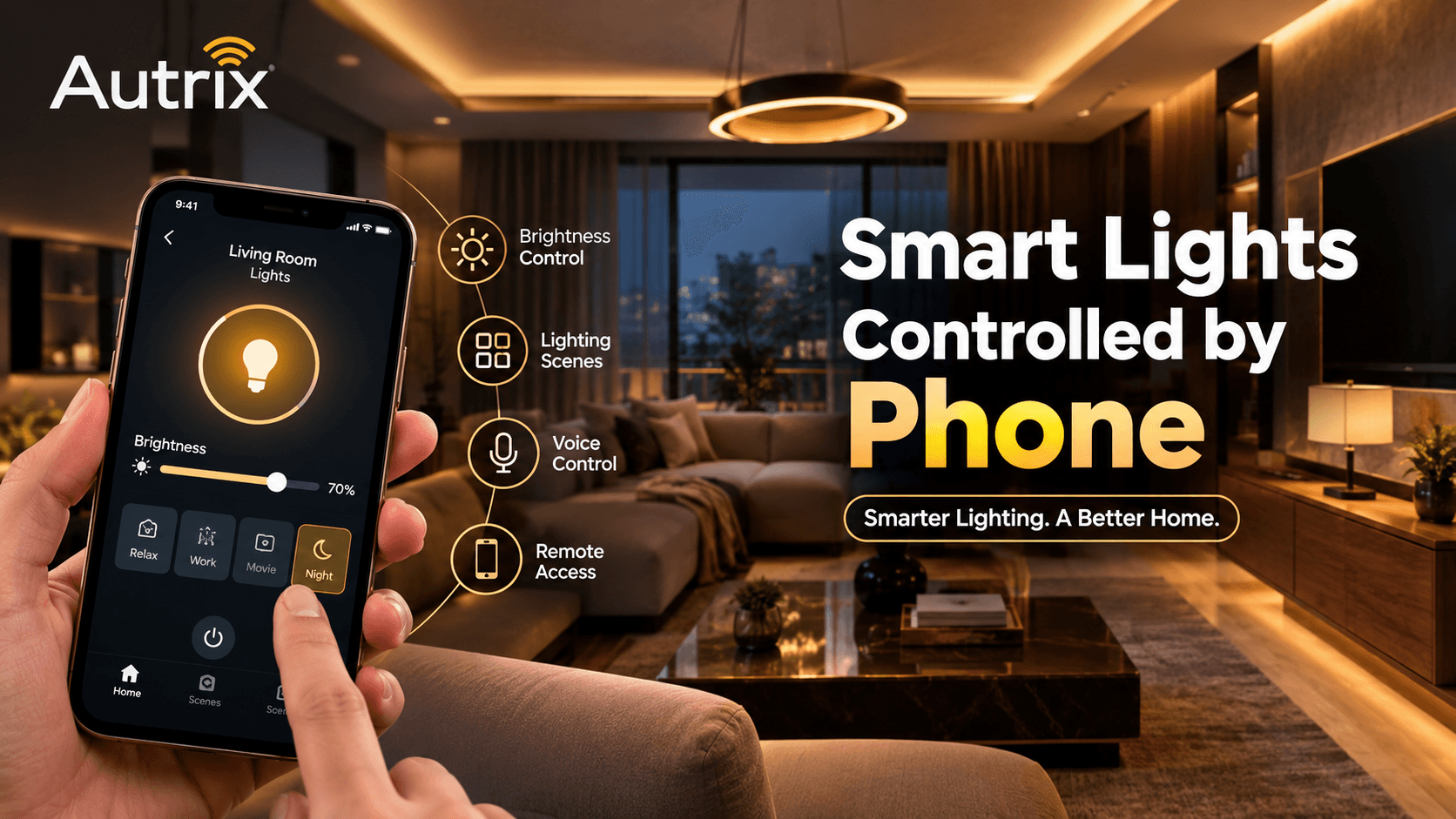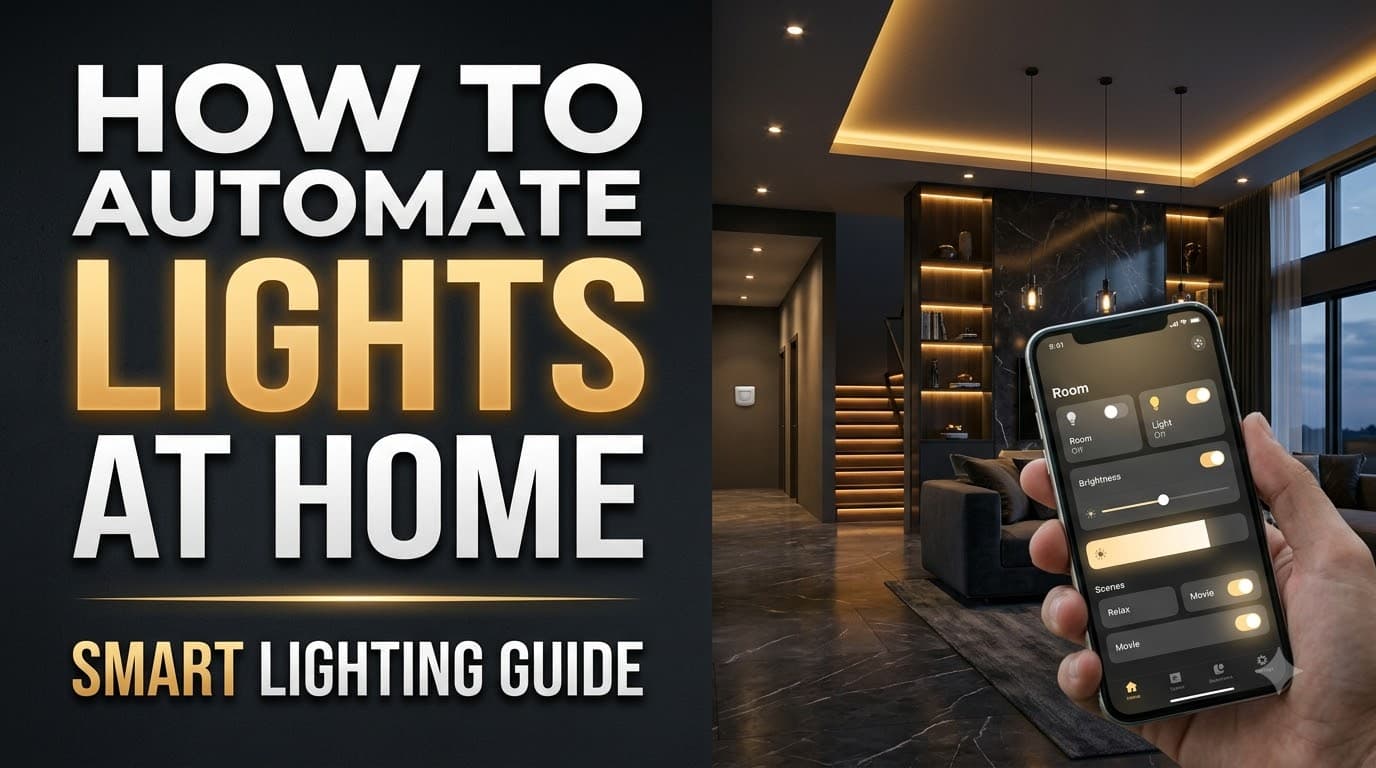
Automating lights at home makes everyday lighting more convenient, flexible, and easier to manage. Instead of switching each light on and off manually, you can use a smartphone, voice commands, motion sensors, or automatic schedules to control your home lighting.
Whether you live in an apartment or a villa, home lighting automation can be designed around your daily routine, room layout, and budget.
1. Choose the Right Lighting Automation System
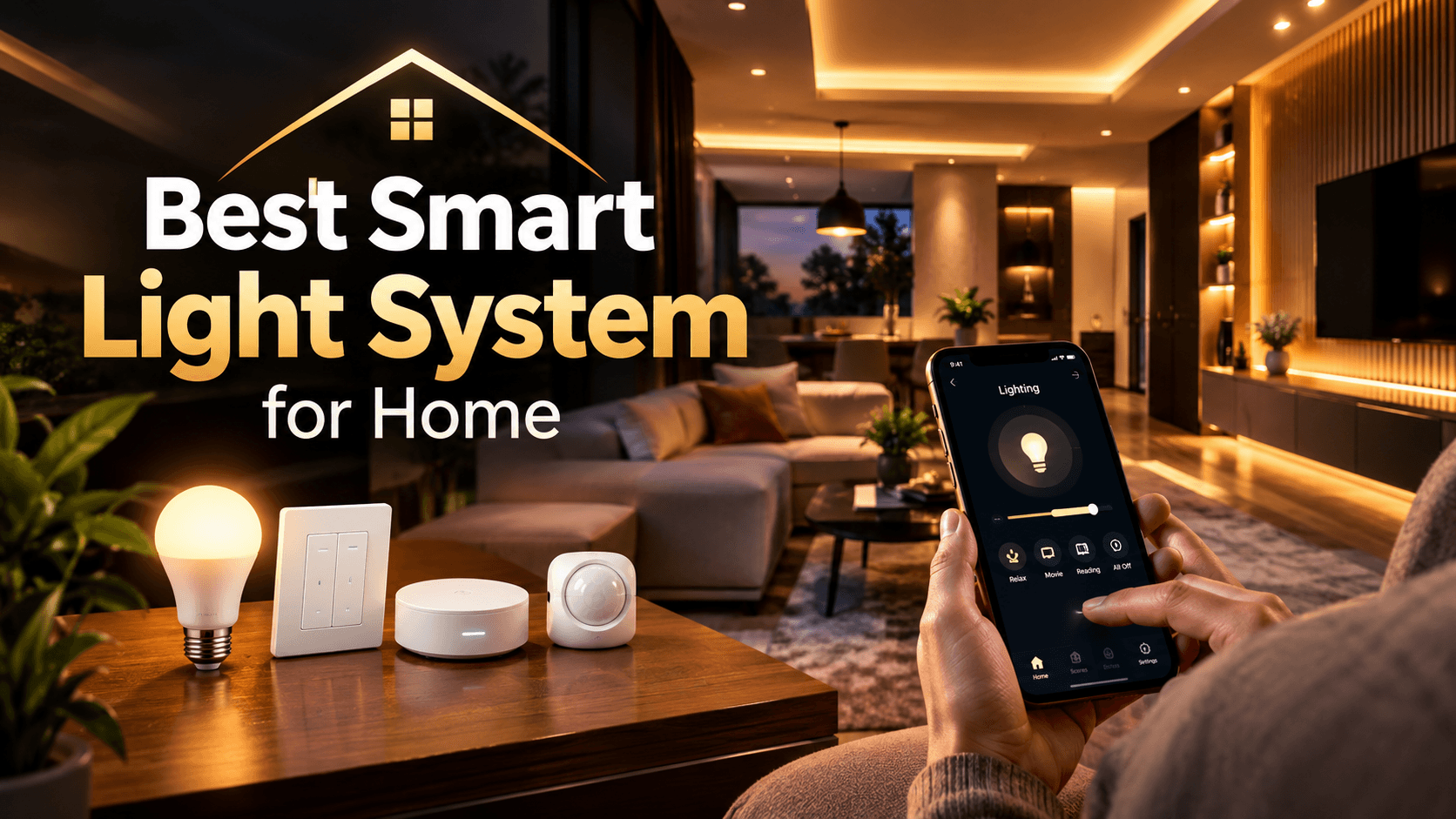
The first step is to decide how you want to control your lights. Common options include smart bulbs, smart switches, dimmers, and a complete lighting automation system.
Smart bulbs: Replace compatible regular bulbs with smart bulbs to control brightness, colour, and schedules through an app.
Smart switches: Automate existing lights without necessarily replacing every bulb. Compatibility with your wiring and lighting type should be checked.
Smart dimmers: Adjust brightness to suit activities such as reading, working, or relaxing.
Lighting automation panels: Manage multiple lights and predefined scenes through dedicated wall panels or touch switches.
The right option depends on your existing electrical setup, the level of control you need, and whether you want to automate one room or the entire home.
2. Decide Between Wired and Wireless Automation
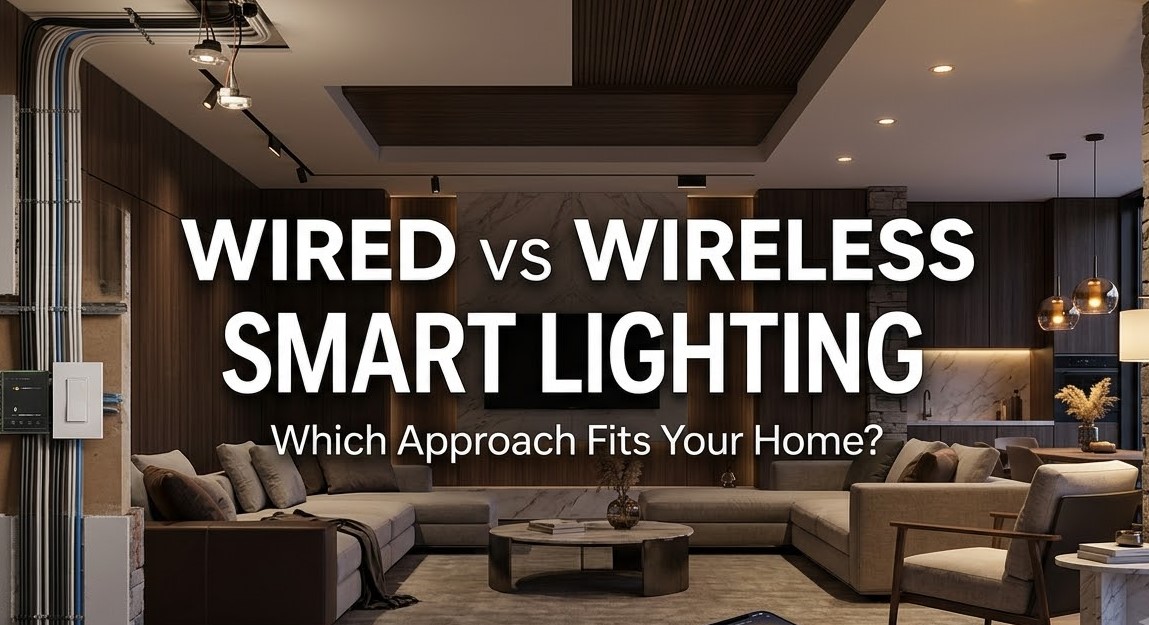
Before installing smart lighting, consider whether a wired or wireless system is more suitable.
Wired lighting automation is often considered for new construction or major renovations because control devices and wiring can be planned in advance. Systems such as KNX can support integrated control across multiple areas of a property.
Wireless lighting automation can be more convenient for existing homes and apartments where extensive rewiring is difficult. Depending on the system, devices may communicate through Wi-Fi, Zigbee, or other supported wireless technologies.
Both approaches can offer app control, scheduling, and automation. The best choice depends on the property's construction stage, budget, reliability requirements, and future expansion plans.
3. Set Up Lighting Schedules and Scenes
Once your devices are installed, create lighting routines that match your lifestyle. You could schedule bedroom lights to switch on in the morning, dim living room lights in the evening, or turn off selected lights at bedtime.
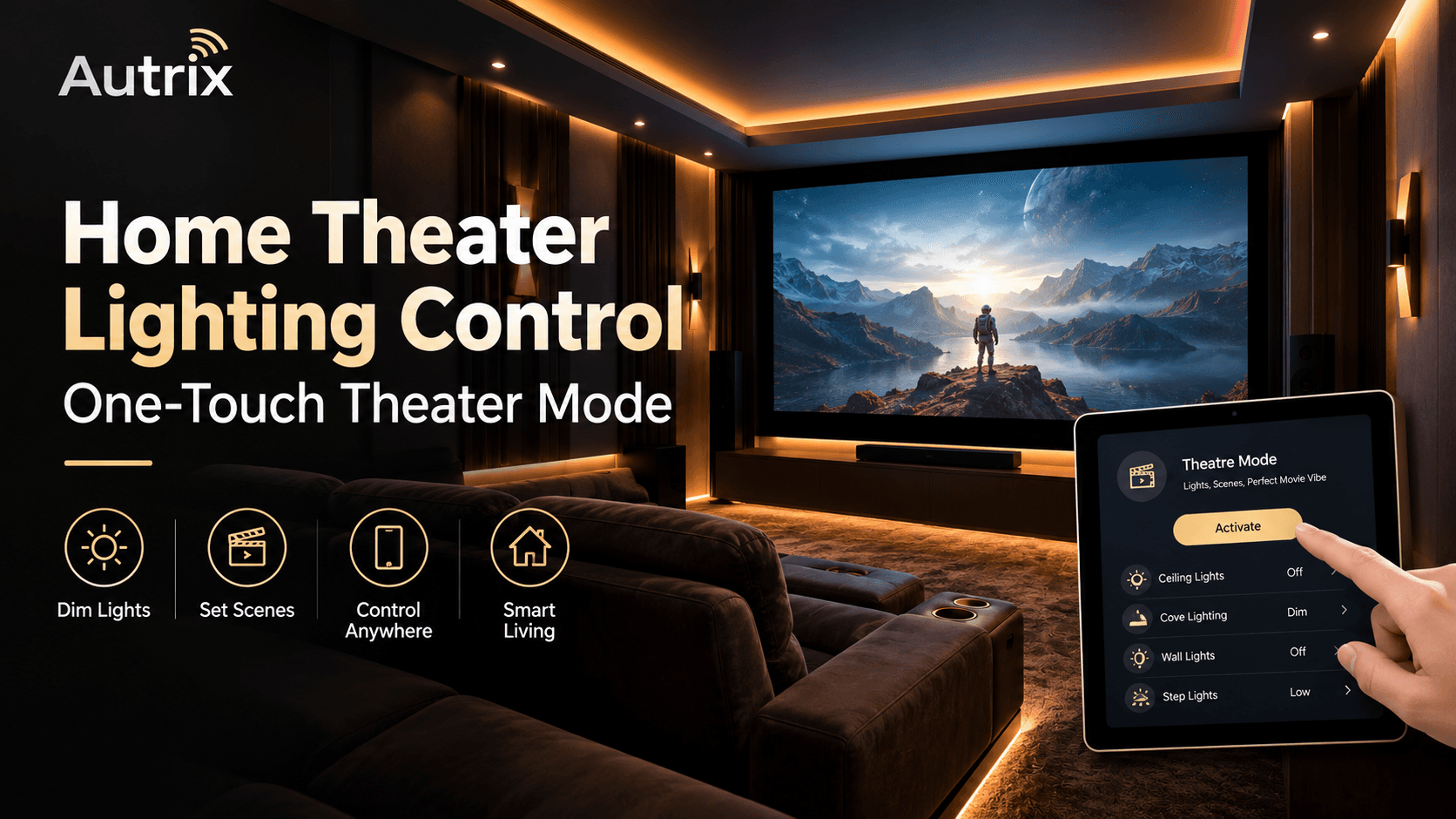
Lighting scenes make this process even simpler. For example, a movie scene can dim the main lights while keeping subtle ambient lighting on. A dinner scene can create a softer atmosphere, while a work scene provides brighter illumination.
With a suitable smart home automation system, these settings can be activated using a mobile app, voice assistant, or compatible smart control panel.
4. Add Motion Sensors for Automatic Lighting
Motion and occupancy sensors can automate lights in areas where manual switching is inconvenient. Corridors, staircases, bathrooms, utility rooms, and entrances are practical places to consider them.
You can configure compatible lights to turn on when movement is detected and switch off after a set period without activity. This can reduce unnecessary lighting when the settings are configured correctly.
For additional convenience, lighting automation can also work alongside daylight sensors, allowing suitable lights to respond to available natural light.
5. Connect Lighting with Other Home Automation Features
Lighting becomes more useful when it works with other smart home devices. For example, curtain automation can open curtains in the morning to let natural light into your rooms. Automated lighting can then provide the required illumination as daylight changes.
You can also integrate lighting with compatible smart sensors, security systems, and voice control devices. Depending on the system, a single command or programmed routine can coordinate several functions instead of requiring separate manual actions.
6. Plan Your Lighting Automation Installation
Start by identifying the rooms you use most and the tasks you want to automate. Check electrical compatibility, internet or hub requirements, manual control options, and the possibility of adding more devices later.
A well-planned lighting automation system should be easy to operate, reliable, and suited to your home's everyday needs. Professional planning can help you choose compatible devices and determine whether wired, wireless, or hybrid automation is appropriate.
With Autrix, homeowners can explore lighting automation solutions designed around their space, preferred controls, and wider home automation requirements. The goal is to make lighting more convenient, personalized, and seamlessly connected to modern living.