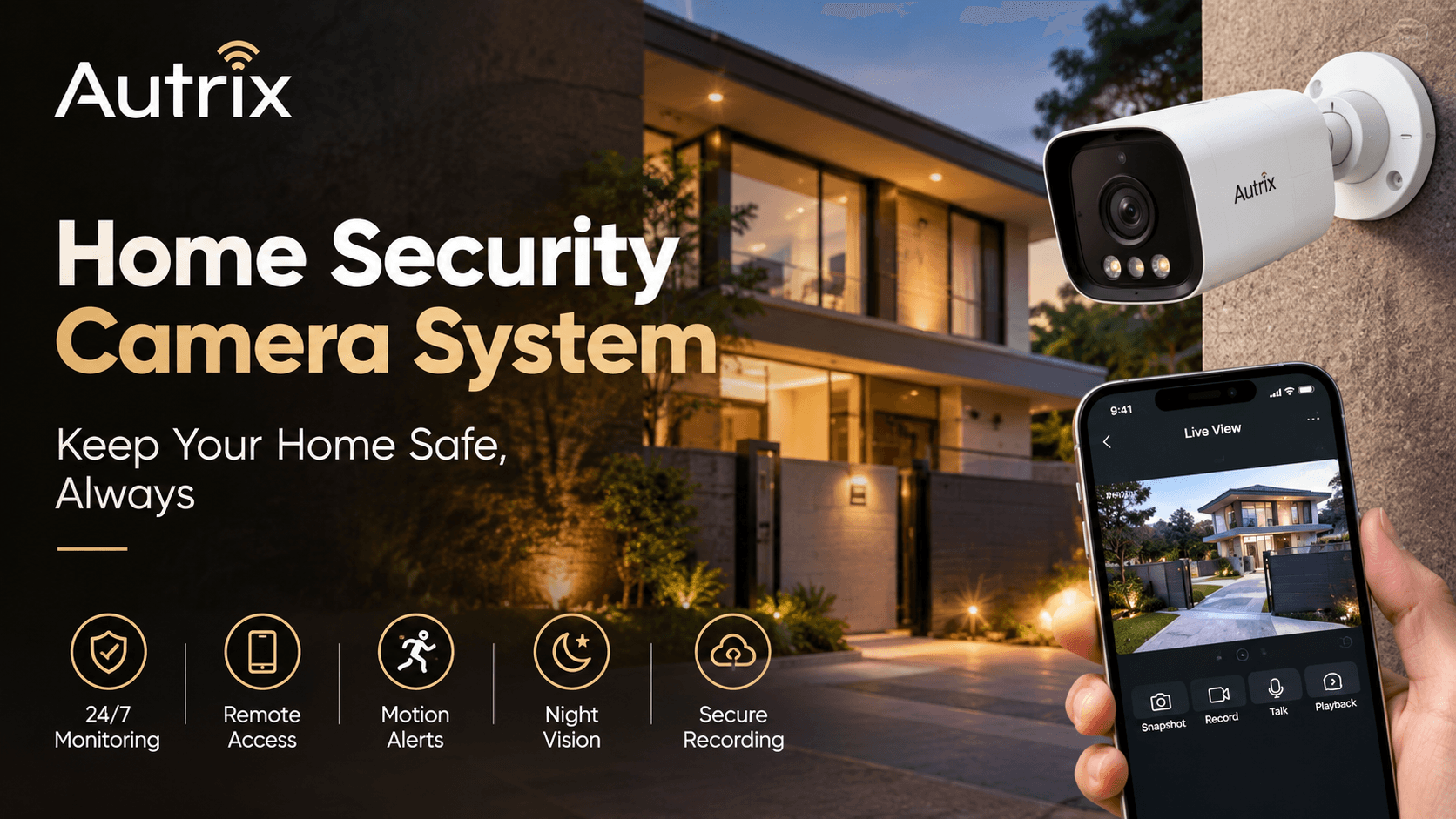
A home security camera system helps you monitor your property and keep an eye on important areas. It allows you to check activities around your home, whether you are inside, at work, or travelling.
Modern security cameras offer useful features such as mobile viewing, motion detection, night vision, and video recording. When combined with smart home automation, they can become part of a more connected home security system.
What Is a Home Security Camera System?
A home security camera system uses cameras to monitor indoor and outdoor areas of your property. Depending on the model, you can view live footage, receive motion alerts, and review recorded videos.
You can install cameras in areas such as:
Main entrances and back doors
Driveways and parking areas
Balconies and outdoor spaces
Living rooms and common areas
Gates and other important entry points
A properly planned system helps reduce blind spots and makes it easier to monitor your property.
Benefits of a Home Security Camera System
1. Monitor Your Home from Anywhere
Many modern security cameras allow you to view live footage through a smartphone app.
You can check your entrance, parking area, or other monitored spaces while you are away. This makes remote monitoring convenient for busy homeowners and families.
2. Improve Home Security
Security cameras help you monitor activity around important entry points.
For better protection, you can combine cameras with:
Smart door locks
Video doorbells
Motion sensors
Smart lighting
Other compatible security devices
These devices can work together to support a more connected home security setup.
3. Receive Motion Detection Alerts
Many security cameras can send notifications when they detect movement.
Some models also allow you to adjust motion sensitivity and select specific areas for monitoring. These features can help reduce unnecessary alerts and keep you informed about activity around your property.
4. Monitor Your Home at Night
Night vision helps cameras capture footage in low-light conditions.
When choosing outdoor cameras, check their night vision performance, weather resistance, and suitability for the installation location. These features are particularly useful for monitoring entrances, gates, and parking areas after dark.
5. Record and Review Footage
A security camera system can help you review footage when you need to check an event.
Depending on the system, recordings may be stored on a DVR, NVR, memory card, or cloud platform.
Before choosing a system, check its storage capacity, recording duration, playback features, and any ongoing subscription charges.
Types of Home Security Cameras
Different cameras suit different areas of a home.
Indoor security cameras: Suitable for monitoring selected indoor spaces and entrances.
Outdoor security cameras: Designed for areas such as gates, driveways, and balconies.
Wi-Fi security cameras: Connect to a wireless network and may support mobile viewing and alerts.
IP security cameras: Use a network connection and can work with compatible recording systems.
Smart security cameras: Offer connected features such as app access, motion alerts, and integration with supported smart home devices.
Choose cameras based on your property's layout, security requirements, and budget.
How to Choose the Right Security Camera System
Before buying a home security camera system, consider these important factors:
Video quality: Choose a resolution that captures useful details.
Night vision: Check performance in dark or poorly lit areas.
Storage: Compare local recording and cloud storage options.
Mobile access: Make sure the system supports convenient remote viewing.
Camera placement: Cover important entry points and minimise blind spots.
Privacy and security: Use strong passwords, update camera software, and limit access to authorised users.
Professional installation can also help ensure suitable camera positioning and reliable connectivity.
Home Security Camera Systems by Autrix
Autrix Home Automation helps homeowners plan smart home solutions that support convenience, comfort, and security.
A well-planned home security setup can include compatible security cameras, smart door locks, motion sensors, and automated lighting. Depending on the devices selected, these features can work together to provide a more connected home environment.
For example, you can monitor camera footage through a supported device while managing compatible smart home features through their respective controls.
Autrix can help you consider your home's layout, security priorities, and automation requirements when planning a suitable solution.
Visit Autrix Home Automation to learn more about smart home solutions for modern living.