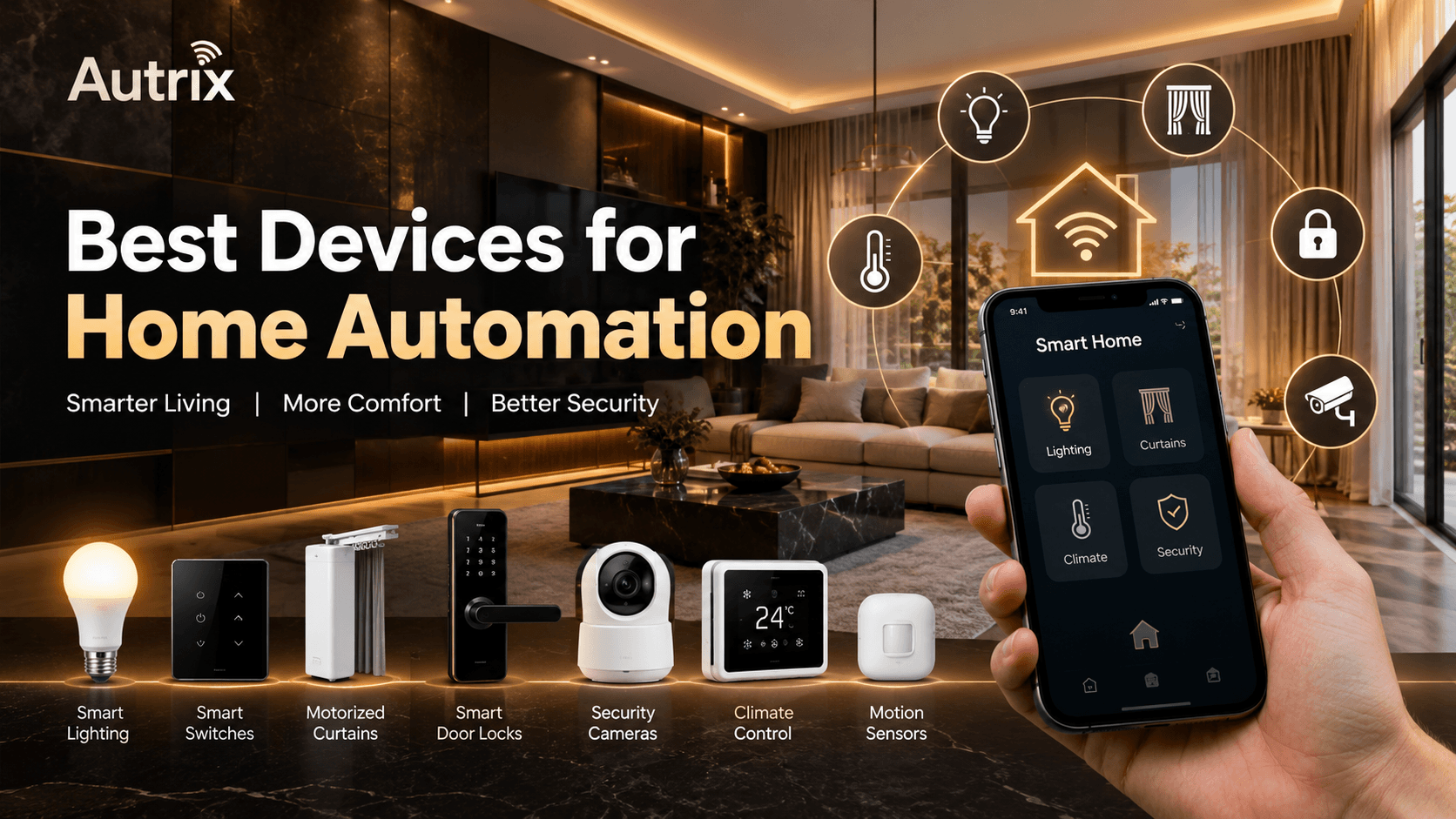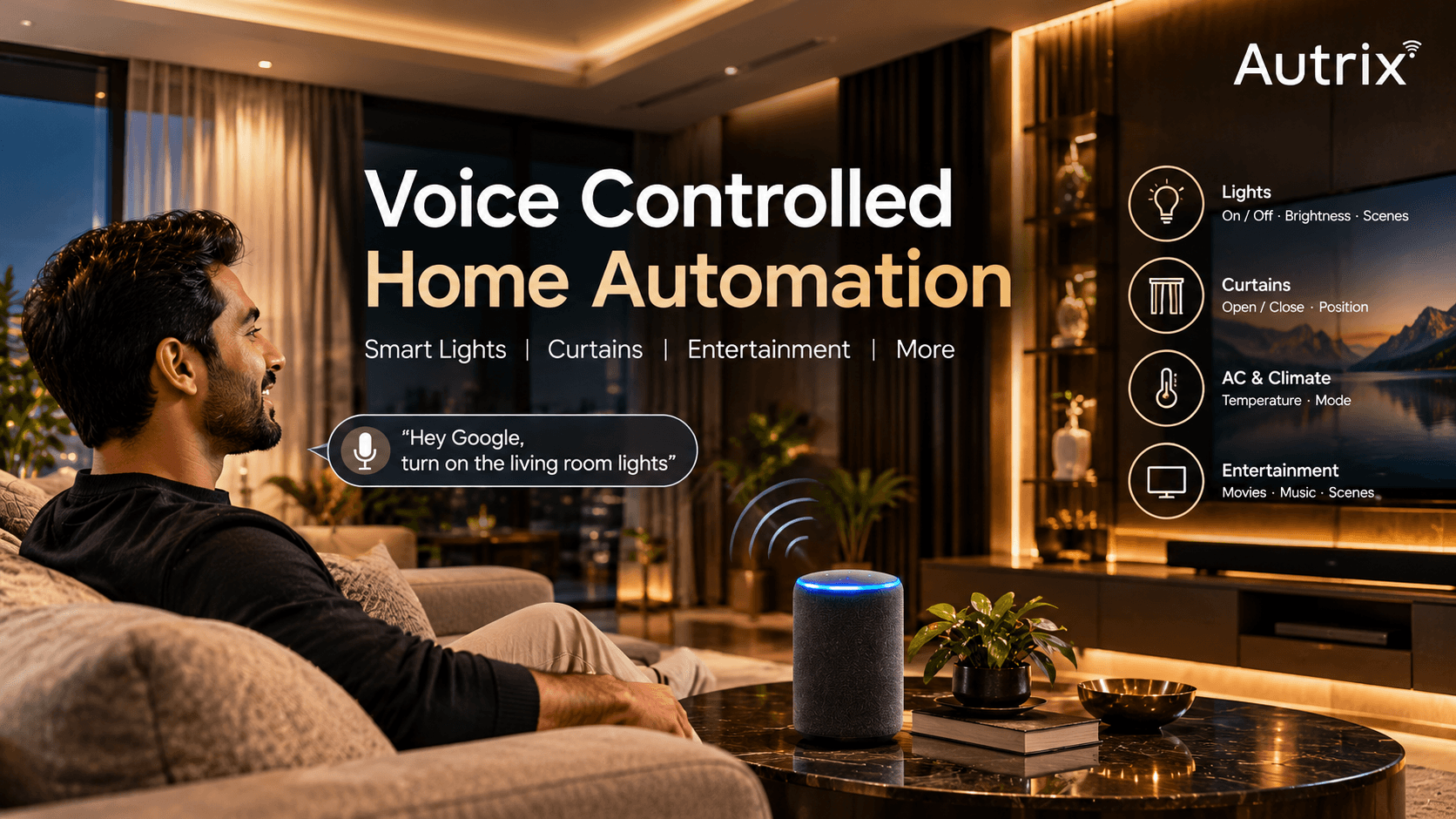
Smart homes make everyday life easier. You can control lights, curtains, air conditioners, and security devices using a mobile phone, remote, or voice command.
With a home automation system, you can also set schedules and make different devices work together.
For example, you can close your curtains, switch off the lights, and turn off selected devices before going to bed.
Let's look at the most useful features of smart homes and how they work.
1. Smart Lighting Control
Smart lighting allows you to control your home lights without using traditional switches every time.
What can you do with smart lighting?
Switch lights on and off using your phone.
Adjust brightness according to your needs.
Create lighting scenes for different activities.
Set schedules for lights to operate automatically.
Use compatible motion sensors to control lights.
Example: You can create a movie scene with dim lights or set your bedroom lights to switch on at a particular time.
Explore Autrix lighting automation solutions for more information.
2. Automatic Curtain Control
Automatic curtains use an electric motor to open and close curtains with minimal effort.
You can control them using a remote, mobile app, or compatible voice assistant.
Useful features include:
Open and close curtains with one command.
Set schedules for morning and evening.
Control curtains in bedrooms and living rooms.
Operate suitable motorized blinds.
Include curtains in smart home scenes.
Example: Set your curtains to open in the morning so natural sunlight can enter your room.
3. Smart Door Locks and Security
Smart door locks provide different ways to enter your home without relying only on traditional keys.
Depending on the model, you can use fingerprints, PIN codes, access cards, or a smartphone.
Other smart security features include:
Smart cameras: View selected areas through a compatible app.
Door sensors: Receive alerts when a monitored door opens.
Motion detection: Detect movement in selected areas.
Mobile notifications: Receive alerts from supported devices.
Example: A compatible smart lock can let family members enter using registered fingerprints instead of carrying keys.
Remember to check the lock's security features, battery backup, and emergency access options before buying.
4. Smart Climate Control
Smart climate control helps you manage compatible air conditioners and cooling systems.
You can use a suitable app or control panel to manage settings.
What can it do?
Adjust the temperature.
Change supported operating modes.
Set operating schedules.
Control compatible air conditioners remotely.
Manage multiple supported units through a suitable system.
Example: You can set your air conditioner to cool your bedroom before you arrive home.
Energy savings depend on your equipment, temperature settings, and usage habits.
5. Voice Control and Mobile App Control
Smart home devices can offer different ways to control your home.
Mobile app control: Use your smartphone to operate compatible devices.
Voice control: Give commands through a supported voice assistant.
Touch panel control: Manage selected functions from a wall-mounted panel.
Example: You can say a supported command to switch off the living room lights or use your phone to close the curtains.
Having different control options makes the system easier for family members to use.
6. Smart Sensors
Smart sensors help your home respond automatically to changes in the surroundings.
Common types include:
Motion sensors: Detect movement and trigger suitable actions.
Door and window sensors: Detect opening and closing.
Light sensors: Measure the brightness of an area.
Temperature sensors: Measure room temperature for compatible automation.
Example: A motion sensor can switch on a corridor light when someone walks through it at night.
You can also set the light to switch off after the area remains inactive for a chosen period.
7. Smart Home Entertainment
Home automation can make watching movies and listening to music more convenient.
Compatible televisions, speakers, lights, and home theatre equipment can work together through suitable controls.
Useful features include:
Control compatible entertainment devices.
Adjust lights for movie watching.
Create a dedicated movie scene.
Operate selected devices through a single command.
Example: A movie scene can dim the living room lights and switch on compatible entertainment equipment.
The available functions depend on your devices and how they are connected.
8. Centralised Control and Smart Scenes
Centralised control allows you to operate multiple compatible devices from one place.
You can use a touch panel, mobile app, or supported controller.
Smart scenes combine several actions into one command.
Examples of useful scenes:
Good Morning: Open curtains and switch on selected lights.
Movie Time: Dim lights and prepare compatible entertainment devices.
Good Night: Switch off selected lights and close the curtains.
Away Mode: Turn off selected devices and activate supported security functions.
These scenes help reduce the need to operate each device separately.
9. Wired and Wireless Home Automation
Smart homes can use wired systems, wireless systems, or a combination of both.
Wired home automation
Often planned during new construction or major renovation.
Requires suitable wiring and installation planning.
Can support integrated control across multiple functions.
Wireless home automation
Can be suitable for existing homes.
May reduce the need for extensive new wiring.
Depends on wireless coverage and device compatibility.
Which option is better?
The right choice depends on your home, budget, construction stage, and future requirements. It is best to plan the system before purchasing individual devices.
How to Choose the Right Smart Home Features
You do not need to automate everything at once. Start with the features that solve your daily problems.
For convenience: Choose smart lighting and automatic curtains.
For security: Consider smart locks, cameras, and suitable sensors.
For comfort: Explore climate control and lighting scenes.
For a new home: Plan wiring and automation before finishing the interiors.
For an existing home: Check wireless devices and compatibility with your current equipment.
Always check whether your devices can work together before buying them.
Home Automation Solutions by Autrix
Autrix provides home automation solutions for homeowners who want better control over their living spaces.
Our solutions can include:
Lighting automation
Automatic curtains and blinds
Smart door locks
Security systems
Climate control
Centralised touch panel control
The right combination depends on your home and requirements.
Visit Autrix to explore home automation solutions for new and existing homes.